
A little while back I ended up learning about a website called Overpass-Turbo. A website where you can create queries to parse information from the OSM database. This can become very addicting.
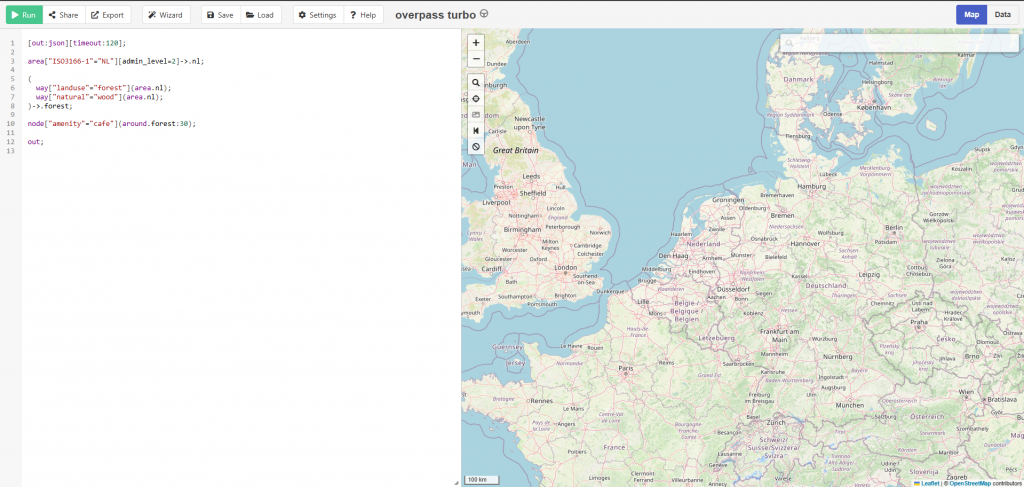
Overpass-Turbo in combination with ChatGPT became a fun time passing hobby for me. Finding camp sites, murals, oddities, and the things go on. When I got back tot the Netherlands I asked myself what are some things that I want to check out when my motorcycle is licensed and weather is getting nice enough again to go out and explore. Campgrounds, WW2 bunkers. Maybe some murals here as well. Castles. The screenshow below shows a small collection of my GPX files that I have created.

How to use ChatGPT to create queries for Overpass-Turbo?
Assuming you have an account with ChatGPT already, you just need to think of what you are looking for. For this example, lets look for beer gardens near Madison, Wisconsin in the United States.
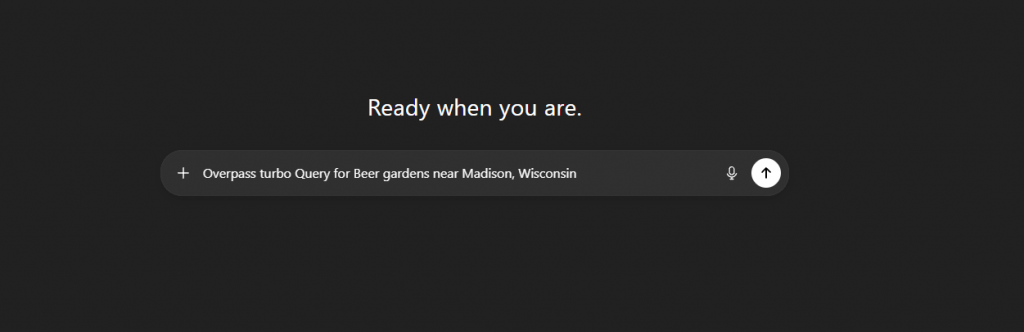
Start a new chat with ChatGPT. In the text bar just write “Overpass Turbo Query for Beer gardens near Madison, Wisconsin. It should look a little bit like the screenshot below.
If things went well you should see something like the following screenshot.
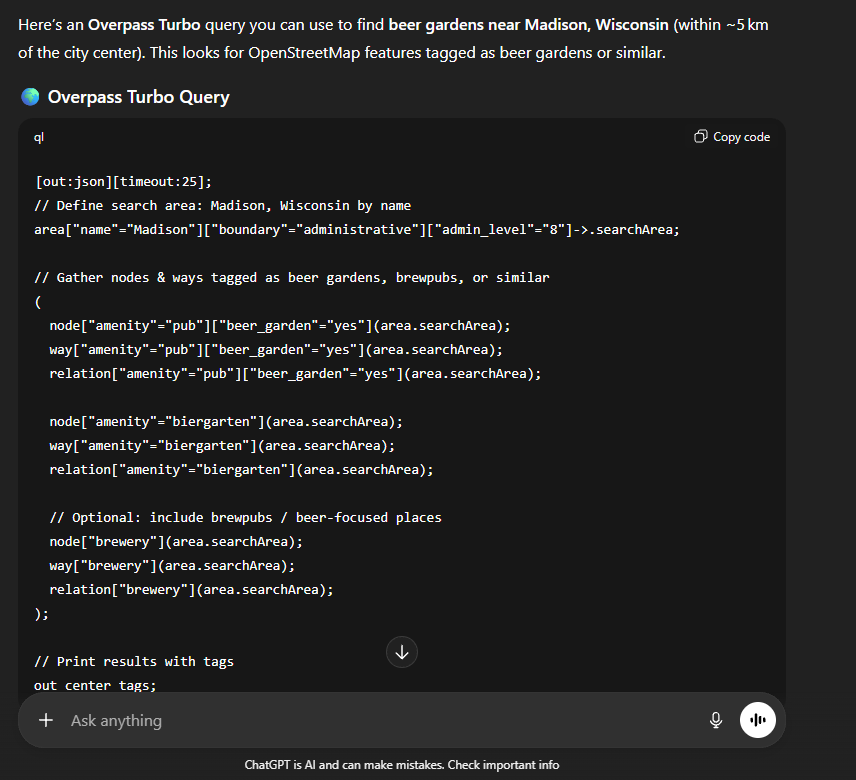
At the bottom of the page is a warning that ChatGPT is AI and can make mistakes. And it will! Sometimes these queries need a little tweaking for them to work properly. With that out of the way. Click the “Copy Code” button in the top right of the screen. When you have it all copied, head on over to Overpass-Turbo site and paste your query in the query box on the left. Your screen should look like the screenshot below.
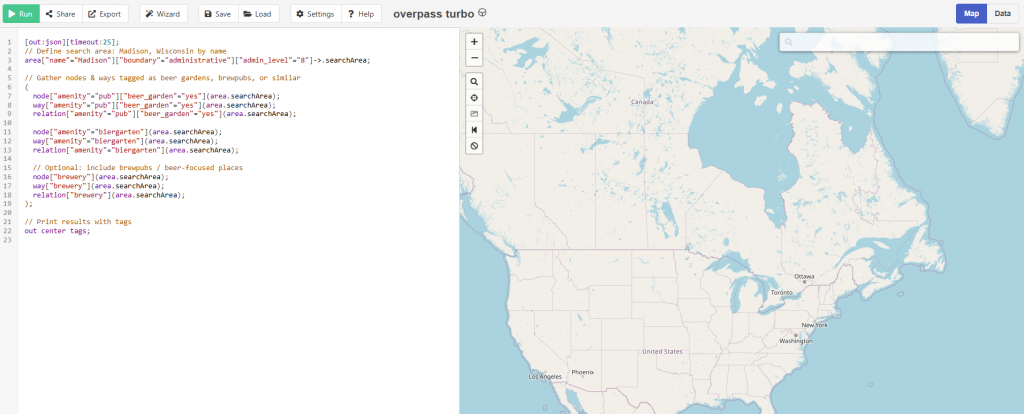
Overpass-Turbo magic
As I mentioned before, ChatGPT CAN and WILL make mistakes at times. It can happen that the query times out. If that happens, copy the time-out message to ChatGPT and see what new results it will come up with. For this particular one, the result should be reasonably small and Overpass-Turbo will show something like the following screenshot.
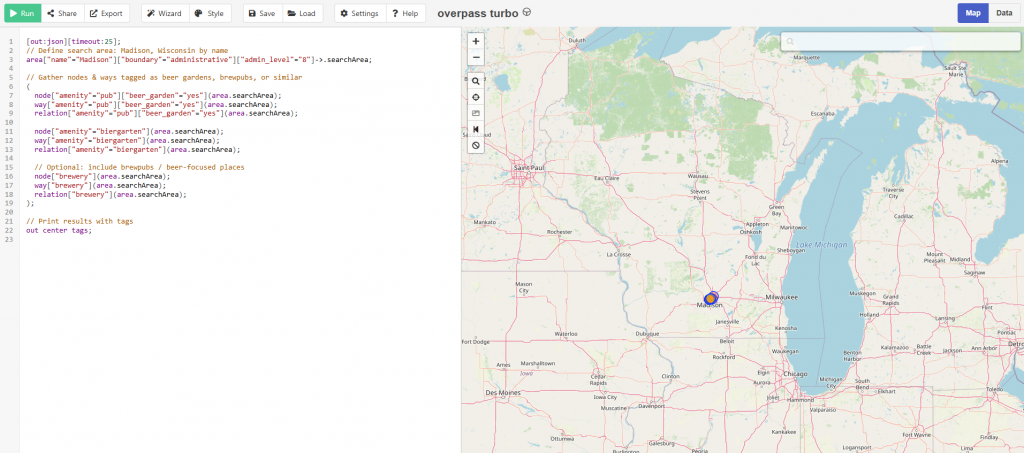
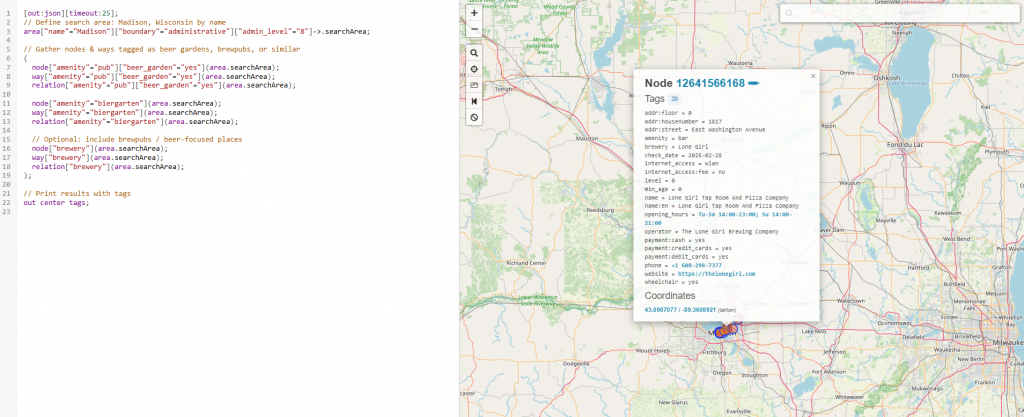
Seeing circles like these means that Overpass-turbo indeed found some information and it is up to you if it is sufficient for your use. You could play around with ChatGPT to improve your query such as adding to show “pet friendly” breweries. Convenient when you are traveling with your furry companion (I mean animals, not your significant other!).
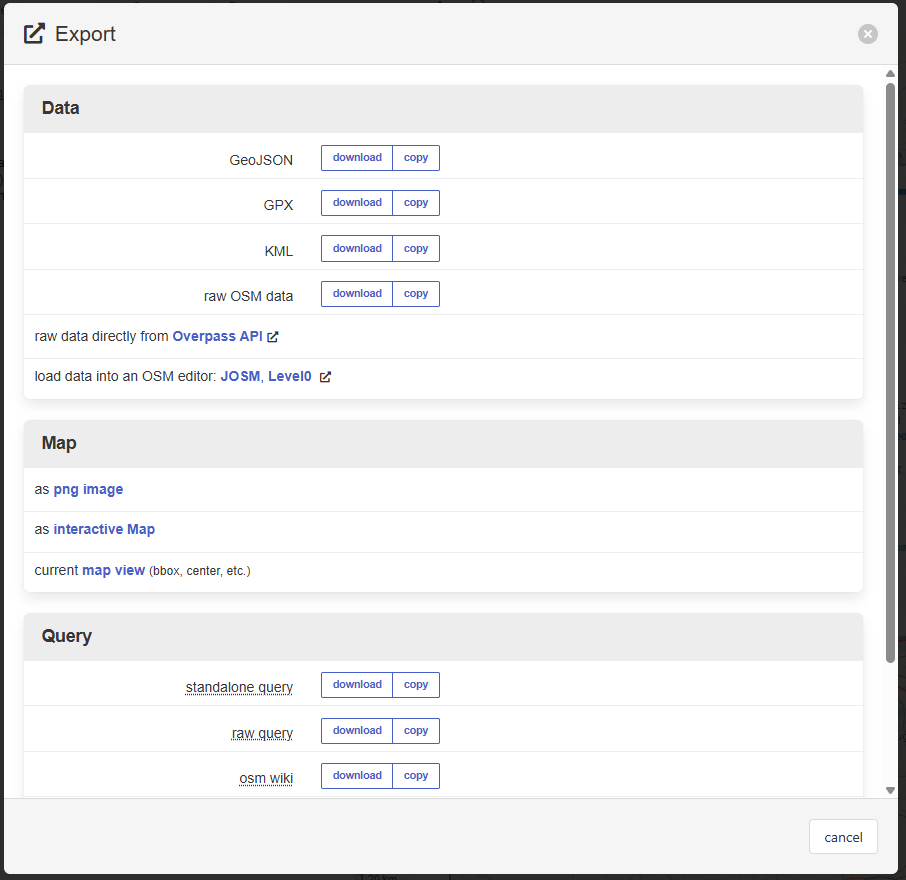
If you look at the toolbar, there is a button called “Export” with a square box and an arrow pointing outside the box. Now you can export your result as GPX, KML, or GeoJSON file. For most GPX is the most convenient. Export the file, save it under a name that you can remember to find it again and import it into your favorite navigation app on your mobile device or on the web version of your nav app.
This isn’t a perfect solution, but it is a fun way to create adventures for yourself and your family! What is something that you would try to find and create an adventure for? Happy exploring!